For e-commerce sellers, warehouses, retail businesses and companies that dispatch parcels every day, a dedicated thermal label printer in Malaysia can make shipping preparation faster and more consistent. Instead of printing an airway bill on A4 paper, cutting it and taping it to a parcel, businesses can print directly onto an adhesive shipping label.
Quick answer: if your business mainly prints AWB, courier or shipping labels around 100mm x 150mm, look for a direct thermal label printer with enough print width for a 100mm-wide label, support for your label media, suitable computer or network connectivity, and drivers that match your operating system. Always configure the software to the exact physical label size before printing in volume.
This guide explains what businesses should check before buying a shipping label printer, the difference between direct thermal and thermal-transfer printing, how 4x6 and 100x150mm labels compare, and how to avoid common printing problems.
What is a thermal label printer?
A thermal label printer is designed to print labels, barcodes, shipping information and other operational identification. Many desktop shipping-label printers use direct thermal printing, where the print head applies heat to specially coated thermal label material.
Because direct thermal printing does not normally require ink or toner, the recurring consumable is mainly the compatible thermal label stock. This is one reason the format is popular for fulfilment counters, warehouse packing stations and businesses that print labels repeatedly.
What size label printer do you need for AWB and shipping labels?
The first specification to check is the maximum printable width. A printer may be marketed as a label printer but still be too narrow for the shipping label your business uses.
| Label format |
Approximate size |
Common use |
What to check |
| 100mm x 150mm shipping label |
About 4 x 6 inches |
AWB, courier and parcel labels |
Printer must support at least the required 100mm label width |
| Smaller barcode labels |
Varies |
Product, shelf, carton or inventory labels |
Check label width, gap and sensor support |
| Continuous label media |
Custom length |
Operational labels and custom applications |
Confirm printer supports continuous media |
A useful detail: 100mm x 150mm labels are often described commercially as A6 or 4x6 shipping labels, but they are not exactly the same as the ISO A6 paper size of 105mm x 148mm. For reliable printing, set the driver or shipping software to the exact dimensions printed on your label packaging rather than relying only on the name.
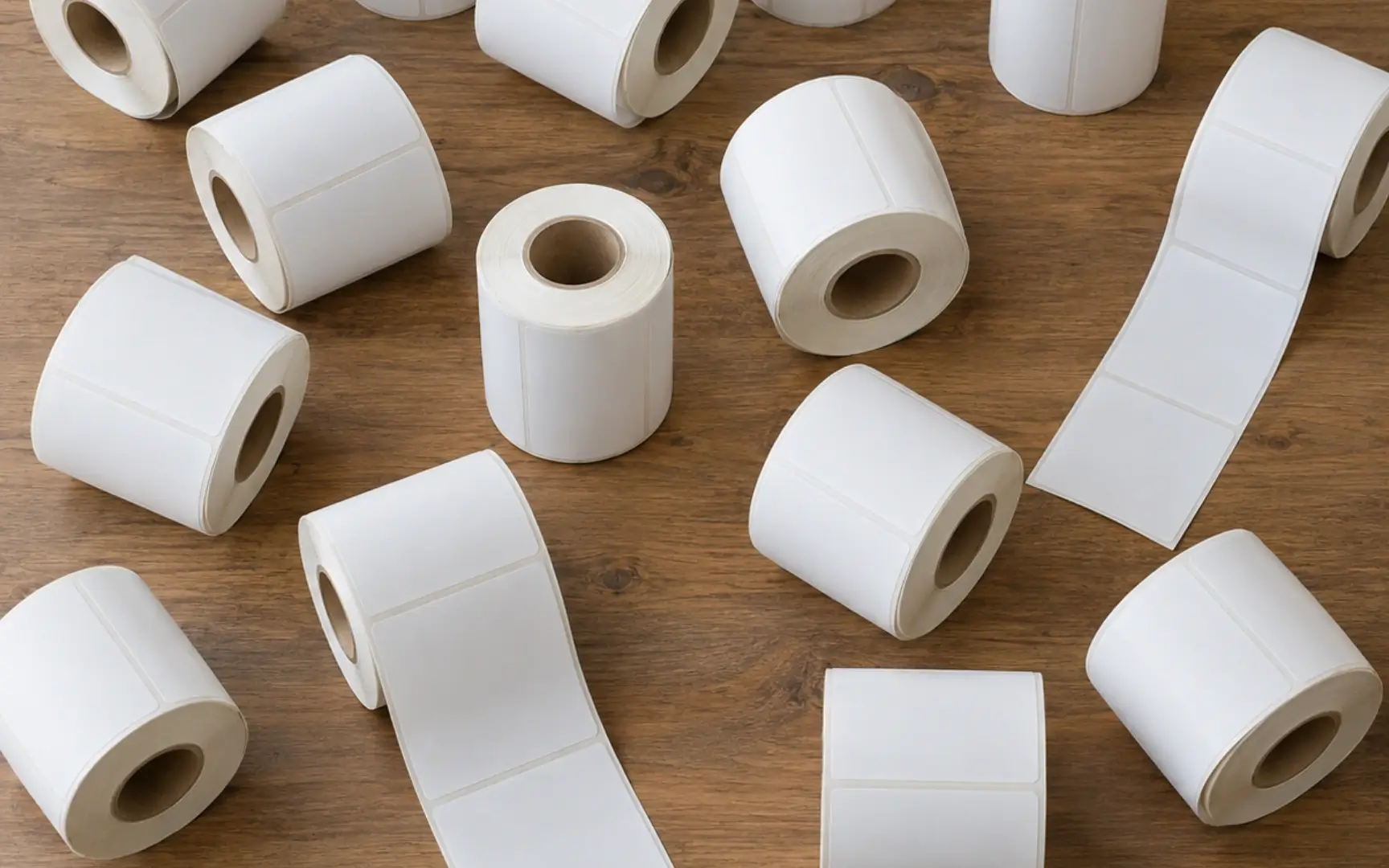
Match the printer's usable print width to the actual shipping-label size before ordering equipment or label stock.
Direct thermal vs thermal transfer: which is better for shipping?
The two terms sound similar, but the printing process is different.
| Feature |
Direct thermal |
Thermal transfer |
| Ink or toner |
No |
No ink or toner, but uses a ribbon |
| Main consumable |
Heat-sensitive thermal label |
Compatible label plus thermal-transfer ribbon |
| Typical business use |
Shipping, AWB, courier and short-to-medium-term operational labels |
Applications requiring a different label material or longer-lasting print |
| Buying consideration |
Simple consumable setup |
More media and ribbon compatibility factors |
For common parcel and AWB printing, direct thermal is a practical choice because businesses can print directly on heat-sensitive adhesive labels without replacing ink cartridges. However, the correct technology should always be selected based on the label's required lifespan, storage conditions and application.
7 things to check before buying a thermal label printer in Malaysia
-
1. Print width. If your shipping label is 100mm wide, confirm that the printer can print across that width without cutting off barcodes, addresses or courier information.
-
2. Label media support. Check whether the printer supports gap labels, black-mark labels, fanfold labels, rolls or continuous media according to your intended setup.
-
3. Connectivity. USB can be sufficient for one packing computer. Businesses sharing a printer between users may prefer a model or configuration with network or wireless options.
-
4. Driver and operating-system support. Confirm compatibility with the computers used at the packing station before purchasing.
-
5. Print resolution. Standard shipping labels need clear text and machine-readable barcodes. Check the printer resolution and use good-quality compatible media.
-
6. Printing volume. A seller printing a few labels a day has different workload requirements from a warehouse processing hundreds of parcels.
-
7. Consumable availability. Make sure the correct label size is easy to restock. A printer is much more useful when compatible labels can be reordered consistently.
Is 203 dpi enough for shipping labels?
For many standard shipping-label applications, 203 dpi is commonly used for addresses, tracking information and normal barcodes. The more important point is that the barcode is printed at the correct scale with sufficient contrast and without being compressed, stretched or cut off.
Very small text, very dense barcodes or specialised industrial labelling may require a different resolution. Businesses should match the printer to the actual label design rather than buying based on dpi alone.
RONGTA RP410 for 100mm-wide shipping labels
Jiwa Book Store currently carries the RONGTA RP410 Thermal Label Printer. The current product specification lists direct thermal printing, 203 dpi resolution and a maximum print width of approximately 104mm, which makes it relevant for businesses comparing printers for 100mm-wide shipping labels.
The product page also lists support for label paper, black-mark media, continuous paper, fanfold paper and gap labels, together with several interface configurations. Because available configurations can vary, confirm the exact connectivity option required before ordering.
For the consumable, Jiwa also carries A6 Thermal Label Sticker 100mm x 150mm, a self-adhesive direct-thermal shipping label format commonly used for parcel and logistics applications.
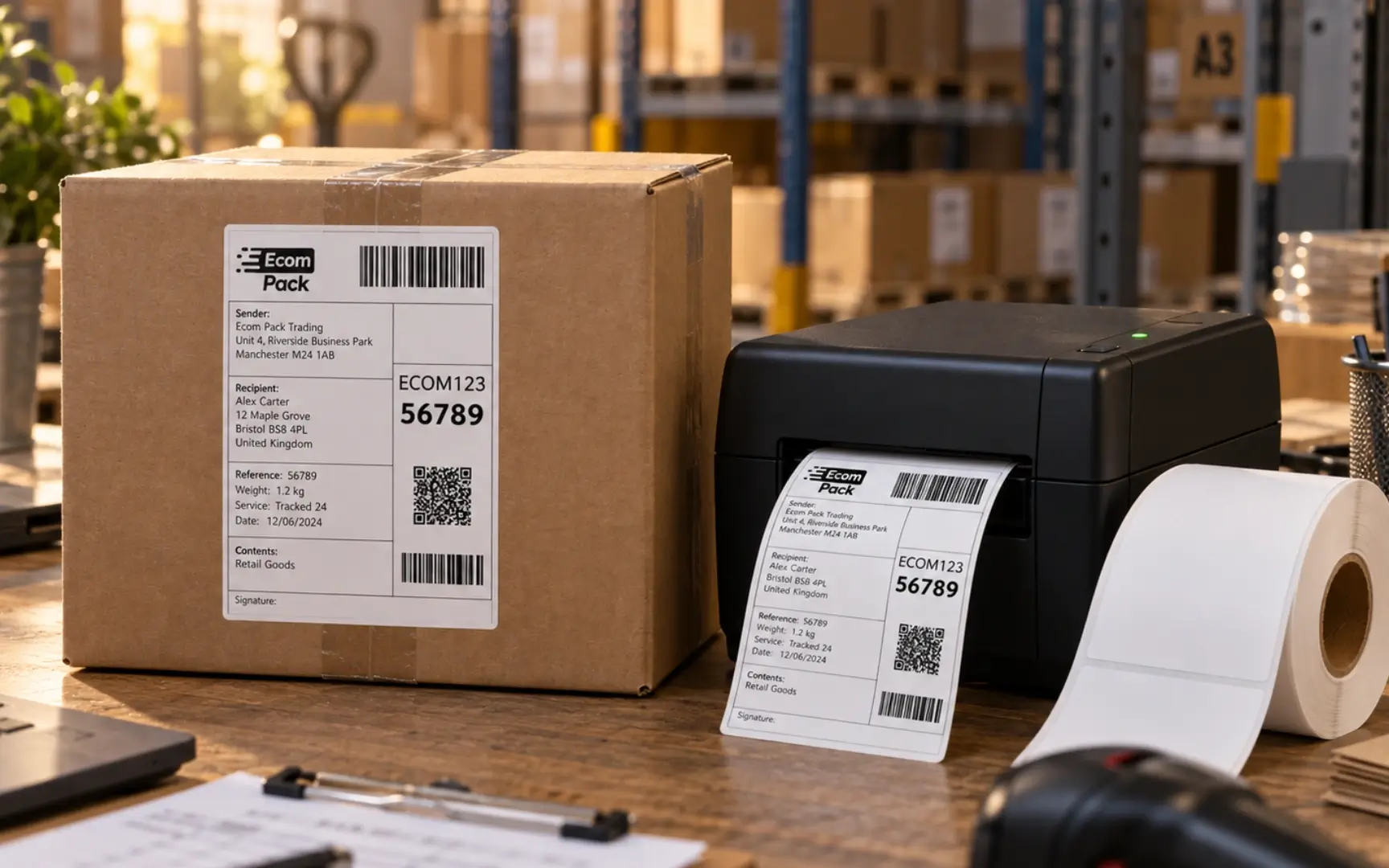
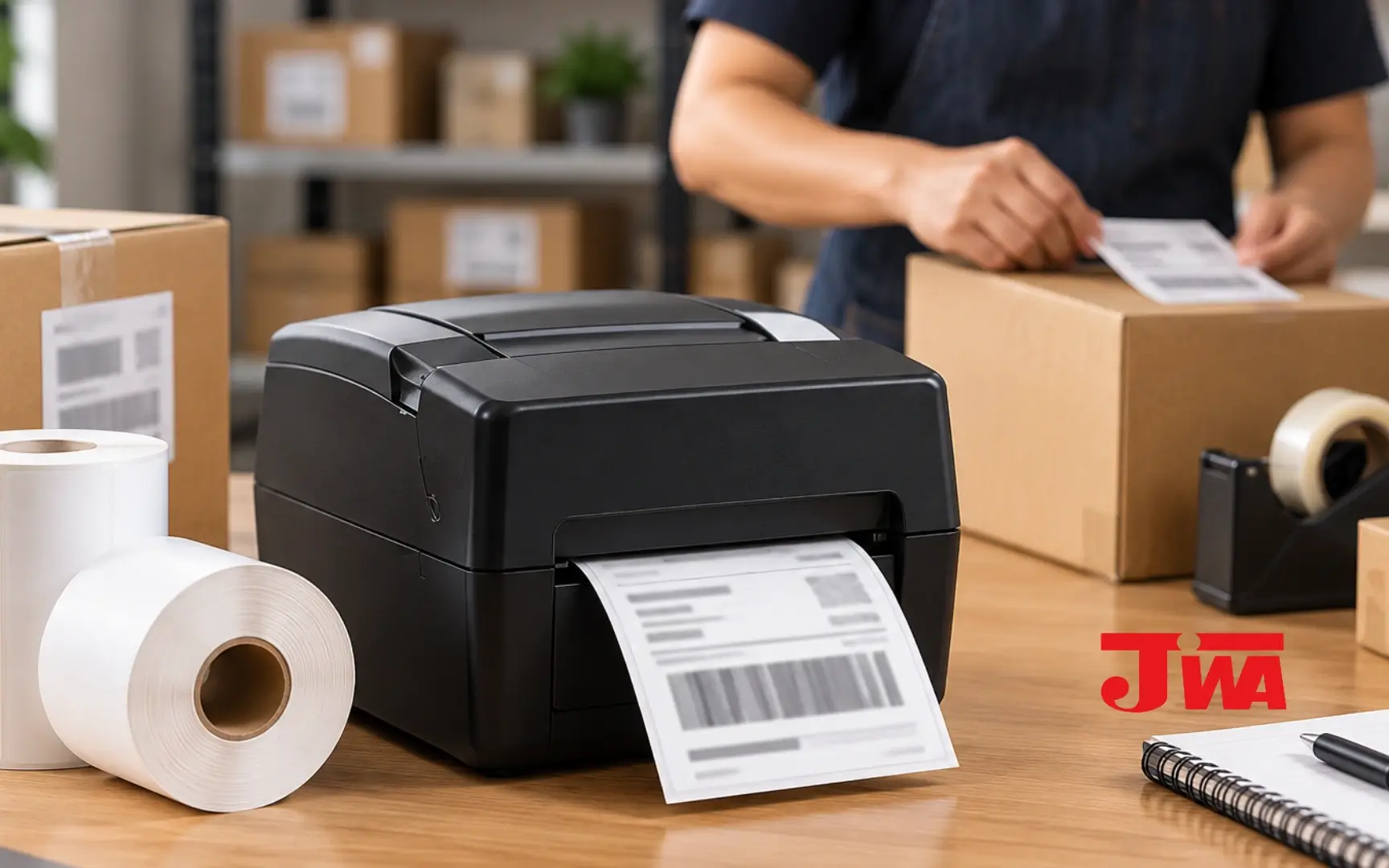
A dedicated packing station can combine the label printer, shipping-label stock and parcel materials in one repeatable workflow.
How to set up a thermal printer for 100x150mm labels
Most poor shipping-label prints are caused by configuration problems rather than the printer itself. Before printing a large batch, use a simple setup process.
- Install the correct printer driver. Use the driver intended for your operating system and printer model.
- Load the label correctly. Make sure the printable thermal side faces the print head and the media passes through the sensor correctly.
- Set the exact label size. For Jiwa's 100mm x 150mm label, configure 100mm x 150mm rather than relying on a generic A6 preset.
- Calibrate the media. Calibration helps the printer identify each label gap or mark and stop at the correct position.
- Print one test label. Check the address, tracking number and barcode before printing the full batch.
- Avoid automatic scaling where possible. "Fit to page" settings can shrink or stretch a shipping label unexpectedly.
Common thermal shipping-label problems
| Problem |
What to check first |
| Part of the AWB is cut off |
Label dimensions, print width, orientation and scale |
| Printer skips a label |
Media calibration, gap/black-mark setting and sensor position |
| Barcode looks blurred or too light |
Print darkness, print speed, label quality and print-head cleanliness |
| Label prints too small |
Disable unintended "fit" or scaling settings and use the correct page size |
| Blank label comes out |
Check whether the thermal side is facing the print head |
Who benefits most from a dedicated shipping label printer?
- E-commerce sellers processing regular parcel orders
- Warehouses and fulfilment teams
- Retail businesses that ship online orders
- Companies sending samples, documents or products by courier
- Businesses printing barcode or operational labels in-house
- Multi-outlet companies that want a standard shipping-label workflow
How many shipping labels should a business keep in stock?
Start with actual parcel volume. Track the number of labels used in a normal week, estimate monthly usage and keep additional buffer stock for campaigns, festive periods, marketplace sales or supplier lead time.
The aim is not to keep excessive inventory. It is to avoid stopping dispatch because a low-cost consumable has run out. Businesses can apply the same reorder-point approach used for other recurring supplies such as A4 paper, toner and receipt rolls.
Buying a thermal label printer and shipping labels from one supplier
Buying the printer and compatible label stock through the same office-supply channel can simplify procurement, especially when the business also orders paper, stationery, printer consumables and other recurring supplies.
Jiwa Book Store supplies business and office products from Johor Bahru and supports customers across Malaysia. Businesses can browse the Jiwa product catalogue or contact Jiwa to confirm the printer configuration, label size, stock and quantity required.
If your business also prints receipts or terminal slips, see Credit Card Machine Paper Roll in Malaysia: What Size Does Your Terminal Use? and Receipt Paper Roll Sizes in Malaysia.
FAQ: thermal label printer Malaysia
-
Does a direct thermal label printer need ink or toner?
No. Direct thermal printing uses heat-sensitive label material and normally does not require ink or toner.
-
What size printer do I need for 100mm x 150mm shipping labels?
Choose a printer whose usable print width can cover the 100mm label width and whose media specifications support your label format.
-
Is 100mm x 150mm exactly the same as A6?
No. ISO A6 is 105mm x 148mm. However, 100mm x 150mm shipping labels are often sold as A6-style or 4x6 shipping labels. Configure the exact physical size in the printer settings.
-
Can the RONGTA RP410 print 100mm-wide shipping labels?
Jiwa's current product specification lists a maximum print width of approximately 104mm. Confirm the exact printer configuration and label media before purchasing for your workflow.
-
Why does my thermal printer skip labels?
The printer may need media calibration, or the selected gap/black-mark setting may not match the label stock.
-
Where can I buy a thermal label printer and 100x150mm labels in Malaysia?
Jiwa Book Store carries the RONGTA RP410 Thermal Label Printer and 100mm x 150mm thermal label stickers. Businesses can contact Jiwa for current stock and ordering support.
Related reading: browse Jiwa's business supply guides for more office procurement, printing and consumable-buying advice.