
Reset your password
Ordering the wrong toner cartridge can stop office printing immediately. A cartridge may look similar, carry the same printer brand and still be incompatible with the machine. For businesses that rely on invoices, reports, delivery documents, quotations and daily administration, choosing the correct printer toner cartridge is therefore a purchasing decision worth getting right the first time.
Quick answer: the safest way to choose toner is to check the exact printer model and toner cartridge code, then compare page yield, original or compatible options and expected cost per page. Do not buy based only on "HP toner", "Canon toner" or another brand name because one printer brand can use many different cartridge codes.
This guide explains how Malaysian offices can identify the correct laser printer toner, understand toner codes, compare original and compatible cartridges, calculate printing cost and avoid common purchasing mistakes.
What is a toner cartridge?
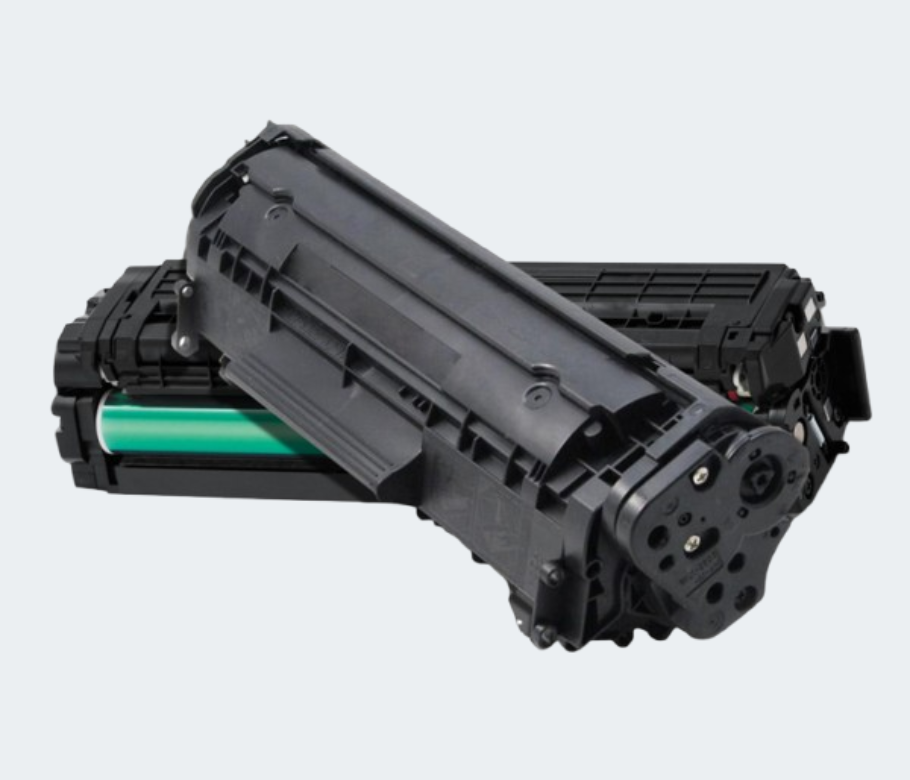
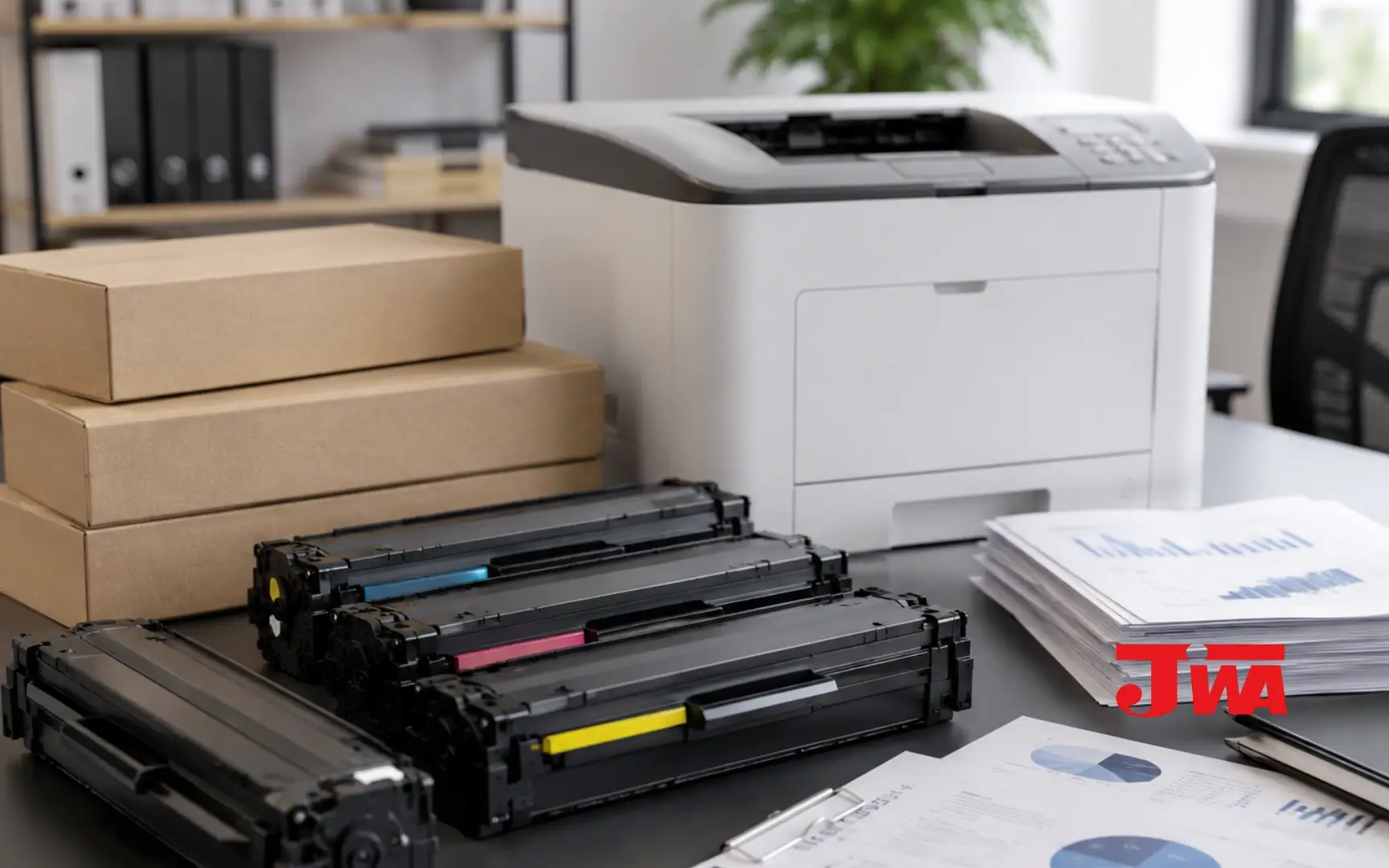
Toner is the consumable used by laser printers. Instead of liquid ink, a toner cartridge contains fine toner powder that is used during the laser printing process to produce text and graphics.
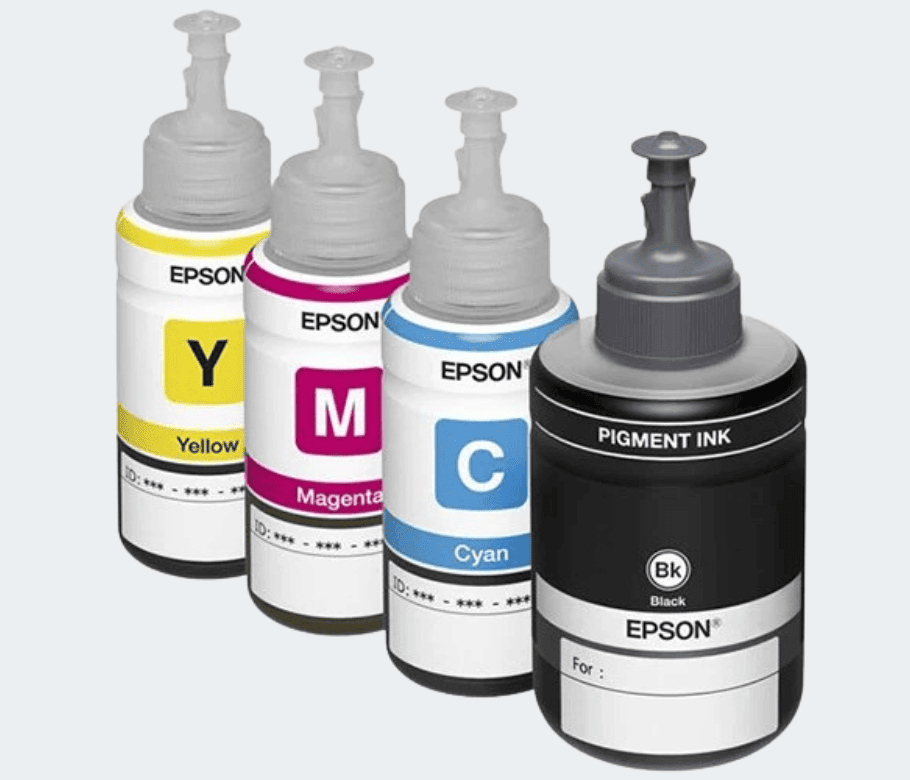
This is different from an inkjet cartridge or refill ink. If your office uses a laser printer, you normally need a toner cartridge that matches the exact printer model. If the office uses an inkjet or ink-tank printer, toner is not the correct consumable.
Step 1: find your exact printer model
Before searching for toner, identify the full model printed on the machine. For example, two printers from the same HP LaserJet family may still require different toner codes.
- Check the label on the front, back or underside of the printer.
- Open the printer settings on the connected computer and check the installed model.
- Keep a photo of the printer model and current toner label for future office orders.
- For companies with several printers, maintain a simple printer-and-toner list for the admin or purchasing team.
Step 2: match the toner cartridge code
The toner code is usually more useful than the printer brand alone. Codes such as CF280A, CE278A and other model numbers identify a specific cartridge family and compatible printer range.
For example, Jiwa currently lists a Jiwa Compatible Toner Cartridge HP CF280A, also known as HP 80A, for selected HP LaserJet printers. Jiwa also lists a Jiwa Compatible Toner Cartridge HP 278A / Cart328 for another group of HP LaserJet and Canon imageCLASS machines.
These products are not interchangeable simply because both are black laser toner cartridges. The printer model and supported toner code must match.
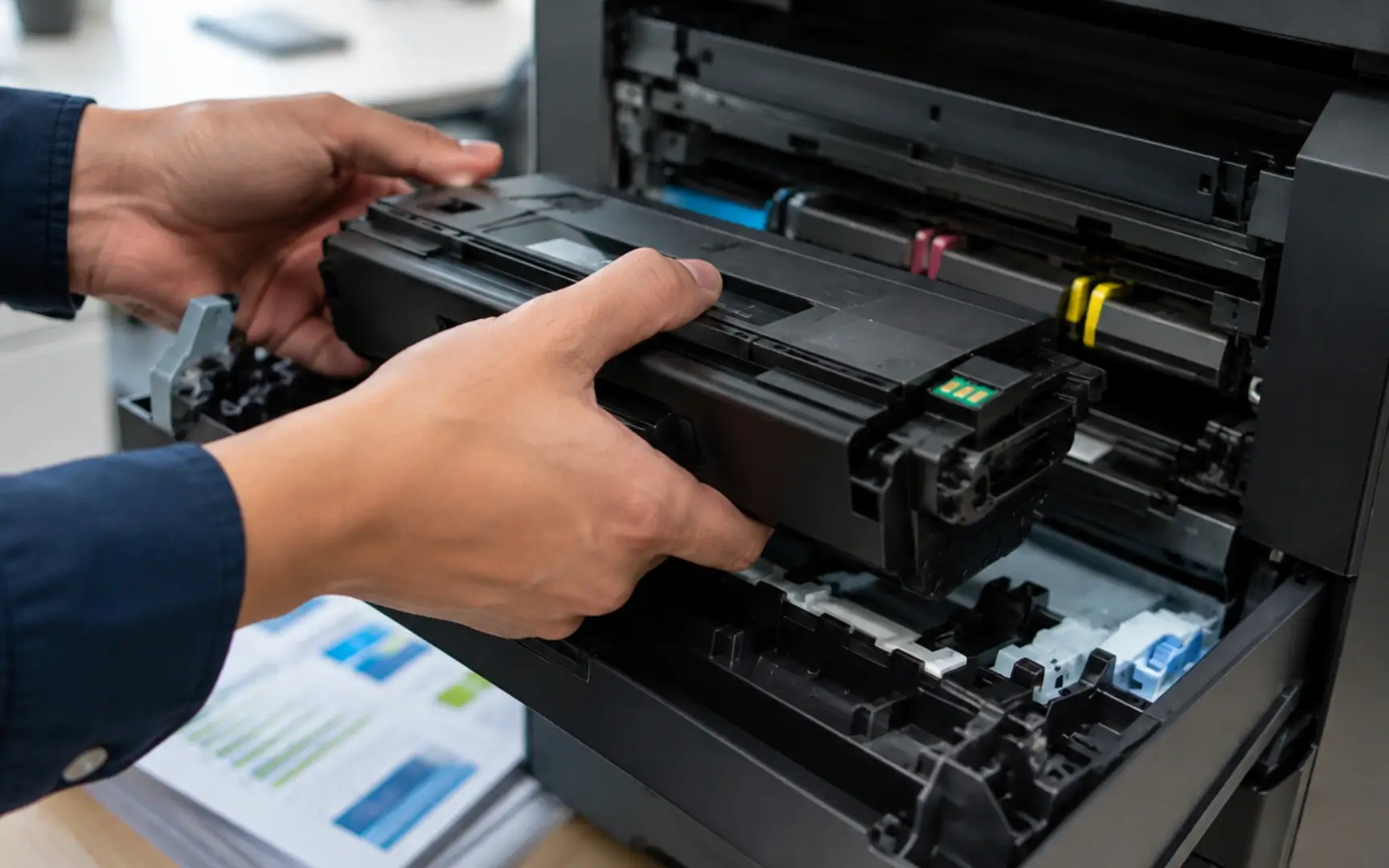
Original vs compatible toner cartridge
An original toner cartridge is supplied by the printer manufacturer for its supported machines. A compatible toner cartridge is produced by a third party to work with selected printer models.
| Factor | Original toner | Compatible toner |
|---|---|---|
| Manufacturer | Printer brand / OEM | Third-party manufacturer |
| Compatibility | Designed for specified printer models | Must be verified against the exact supported models |
| Purchase price | Often higher | Often positioned as a lower-cost alternative |
| Best for | Businesses prioritising OEM supply and manufacturer specification | Businesses looking to control printing cost with a verified compatible option |
| What to check | Correct toner code and page yield | Correct toner code, supported printer models, supplier and quality consistency |
Neither option should be chosen only by price. For an office, compatibility and reliable printing are important because a wrong or unsuitable cartridge can create downtime that costs more than a small saving on the consumable itself.
What does toner page yield mean?
Page yield is an estimate of how many pages a cartridge can print under specified test conditions. It is useful for comparing toner cartridges, but actual office results can vary depending on page coverage, graphics, print density, printer settings and the type of documents being printed.
A department printing mostly short black-text documents may experience different usage from a team printing graphics, large shaded areas or dense reports.
Toner price and estimated cost per page
For business purchasing, cost per page is usually more informative than cartridge price alone. The basic calculation is:
Cartridge price ÷ estimated page yield = estimated toner cost per page.
| Jiwa toner example | Displayed price* | Listed page yield* | Estimated toner cost / page* |
|---|---|---|---|
| Jiwa Compatible HP CF280A / HP 80A | RM120.00 | Approx. 2,700 pages | Approx. 4.44 sen |
| Jiwa Compatible HP 278A / CE278A | RM60.00 | Approx. 2,100 pages | Approx. 2.86 sen |
*Prices and product information were checked on Jiwa Book Store on 15 August 2026. Actual yield varies according to print coverage and operating conditions. Prices, specifications and stock can change; refer to the individual product page before ordering.
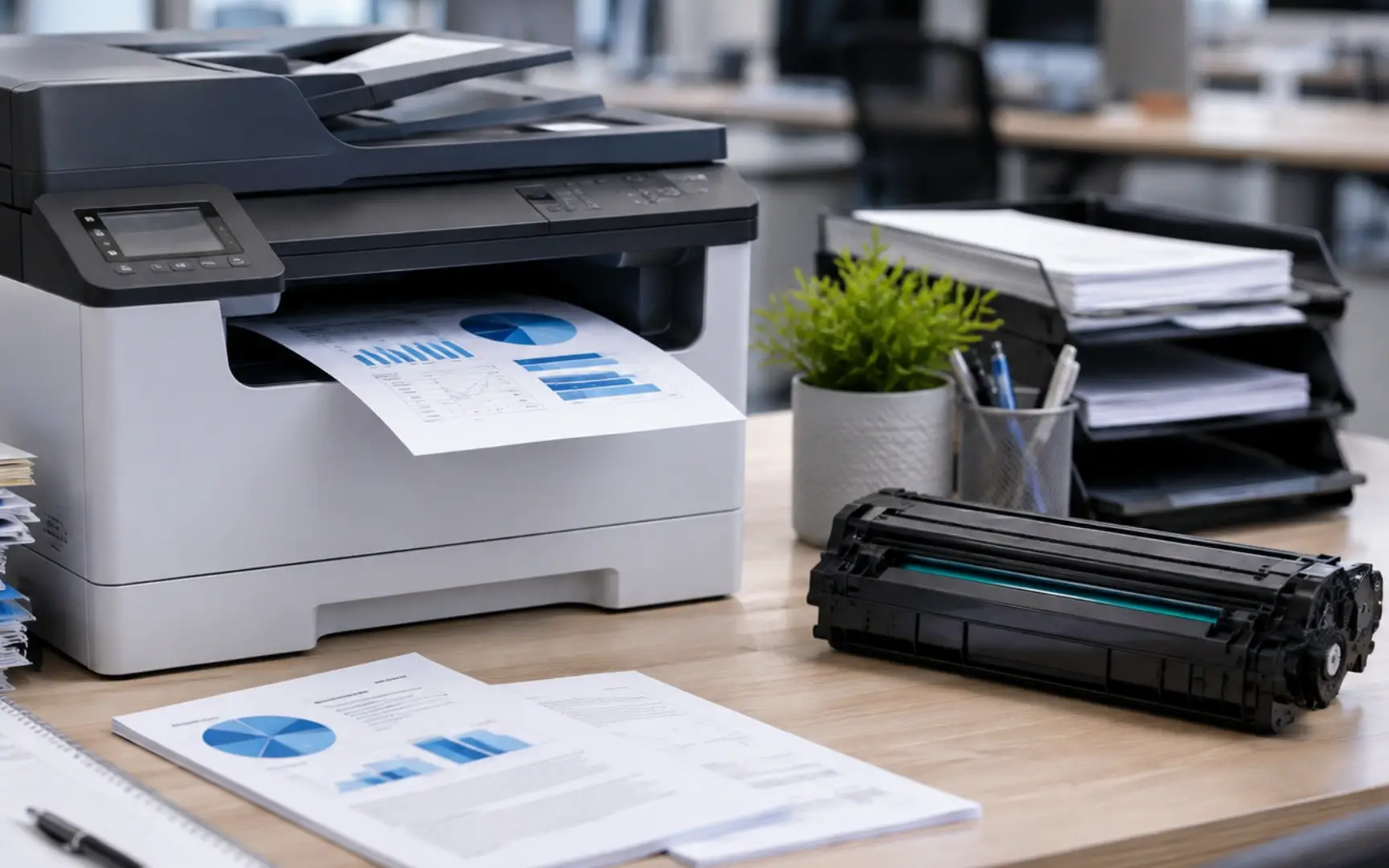
Why the cheapest toner is not always the lowest-cost option
A lower cartridge price can look attractive, but business printing cost includes more than the amount paid for the toner. If a cartridge produces fewer usable pages, creates inconsistent output or causes repeated troubleshooting, the real operating cost can be higher.
Offices should compare:
- cartridge purchase price;
- estimated page yield;
- compatibility with the exact printer;
- print consistency required by the business;
- frequency of cartridge replacement;
- supplier availability for repeat orders.
Toner cartridge vs drum: are they the same?
Not always. The toner cartridge holds the toner powder, while the imaging drum is part of the process that transfers the image during laser printing. Some printer designs combine these components; others use a separate toner and drum.
If a printer displays a "replace drum" message, buying another toner cartridge may not solve the problem. Check the machine manual or the consumable code before ordering.
Standard yield vs high yield toner
Some printer families offer standard-capacity and high-yield cartridges. A high-yield toner normally contains more usable toner and is intended to print more pages before replacement.
High-yield toner can be useful for busy offices because fewer cartridge changes can reduce interruption, but only if the printer supports the high-yield cartridge code. Never assume an "XL", "X" or high-yield version fits without checking the supported model.
How much toner stock should an office keep?
The right stock level depends on how important the printer is to daily operations and how quickly the cartridge is consumed.
- Low-volume printer: one installed cartridge and a planned reorder point may be enough.
- Busy shared printer: keeping one compatible backup cartridge can prevent downtime.
- Multiple printers: label spare toner by printer model or toner code to avoid installing the wrong cartridge.
- Multiple branches: keep a central list of printer models, toner codes and normal monthly usage.
Common toner buying mistakes businesses should avoid
- Buying by printer brand only. "HP toner" is not specific enough.
- Guessing from cartridge appearance. Similar-looking toner can use different chips, dimensions or printer compatibility.
- Ignoring page yield. A cheaper cartridge is difficult to compare without considering expected output.
- Confusing toner with drum. A drum replacement warning may require a different consumable.
- No record of office printers. Admin teams waste time repeatedly checking the same models.
- Waiting until toner is completely empty. Critical printers should have a planned reorder point.
A simple toner purchasing system for offices
- Create a printer list. Record printer brand, full model and location.
- Record the approved toner code. Keep the code beside each printer model.
- Track replacement dates. This gives purchasing teams an idea of normal usage.
- Set minimum stock. Keep backup stock for printers that are operationally important.
- Use a reliable supplier. Repeat ordering is easier when the supplier can help identify the correct product and maintain consistent stock.
Where to buy toner cartridges for office printers in Malaysia
Jiwa Book Store carries laser toner cartridges and other printing supplies for business and office use. The range includes Jiwa compatible toner options for selected printer models alongside broader office stationery and printing consumables.
Businesses can review the HP CF280A compatible toner, the HP 278A / Cart328 compatible toner, browse Jiwa's office supplies, or contact Jiwa when help is needed to confirm the correct cartridge or discuss business ordering requirements.
FAQ: printer toner cartridge Malaysia
-
How do I know which toner cartridge fits my printer?
Check the full printer model and the supported toner cartridge code. The brand name alone is not enough because one printer brand uses many toner families. -
What is the difference between toner and ink?
Toner is used in laser printers and contains powder, while ink cartridges or bottled ink are used in inkjet and ink-tank printers. -
Is compatible toner the same as original toner?
No. Original toner is supplied by the printer manufacturer, while compatible toner is produced by a third party for supported printer models. -
How can an office compare toner prices?
Compare cartridge price together with estimated page yield, printer compatibility and print requirements. Cost per page is often more useful than cartridge price alone. -
Is toner cartridge the same as printer drum?
Not always. Some laser printers use a separate drum and toner cartridge, while other designs integrate components. Check the consumable code shown by the printer. -
Should an office keep spare toner?
For printers that are important to daily operations, keeping one correctly matched backup cartridge can reduce downtime when the installed toner runs out. -
Where can businesses buy laser toner in Malaysia?
Jiwa Book Store sells laser toner cartridges and printing supplies and can support business enquiries for product selection and repeat office-supply ordering.